
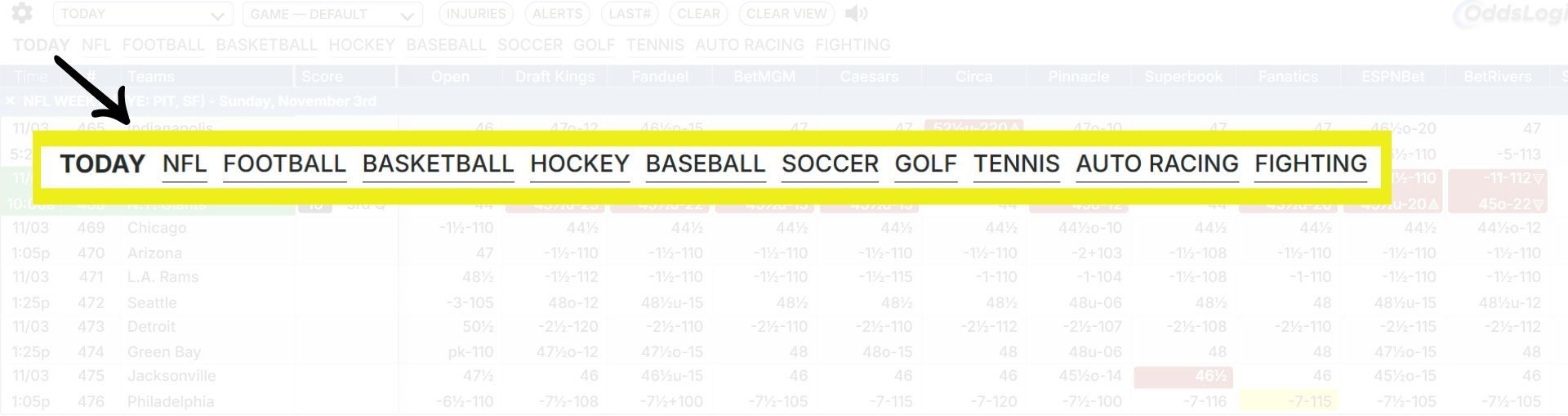
Displaying Sub-Leagues in OddsLogic
Some leagues include sub-leagues that categorize specific groups of games, such as Write-In Games. To ensure these sub-leagues appear on your OddsLogic screen, follow the steps below to activate them:
1. Open Setup Views
Click 'Modify' to begin editing your view.

2. Select the Desired League
Choose the league you want to adjust and click 'Edit'.

3. Activate Sub-Leagues
Toggle the desired sub-leagues to 'On', then click 'Save League' to apply the changes.
Note: You can edit the display name of any league here as well.
